

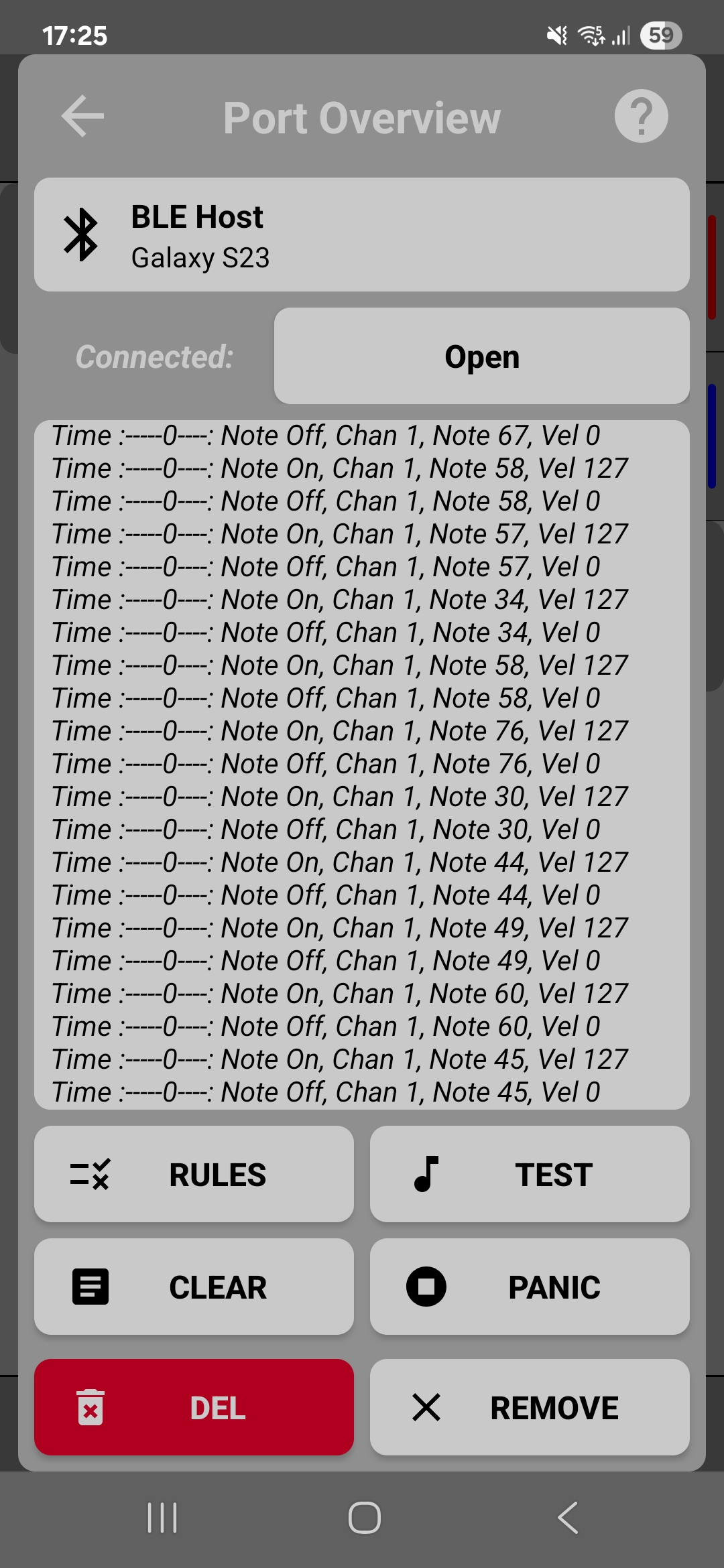
Troubleshooting MIDI Connections
Quick fixes for common connection issues and how to use the port overview log to diagnose problems.
Quick fixes for common connection issues and how to use the port overview log to diagnose problems.
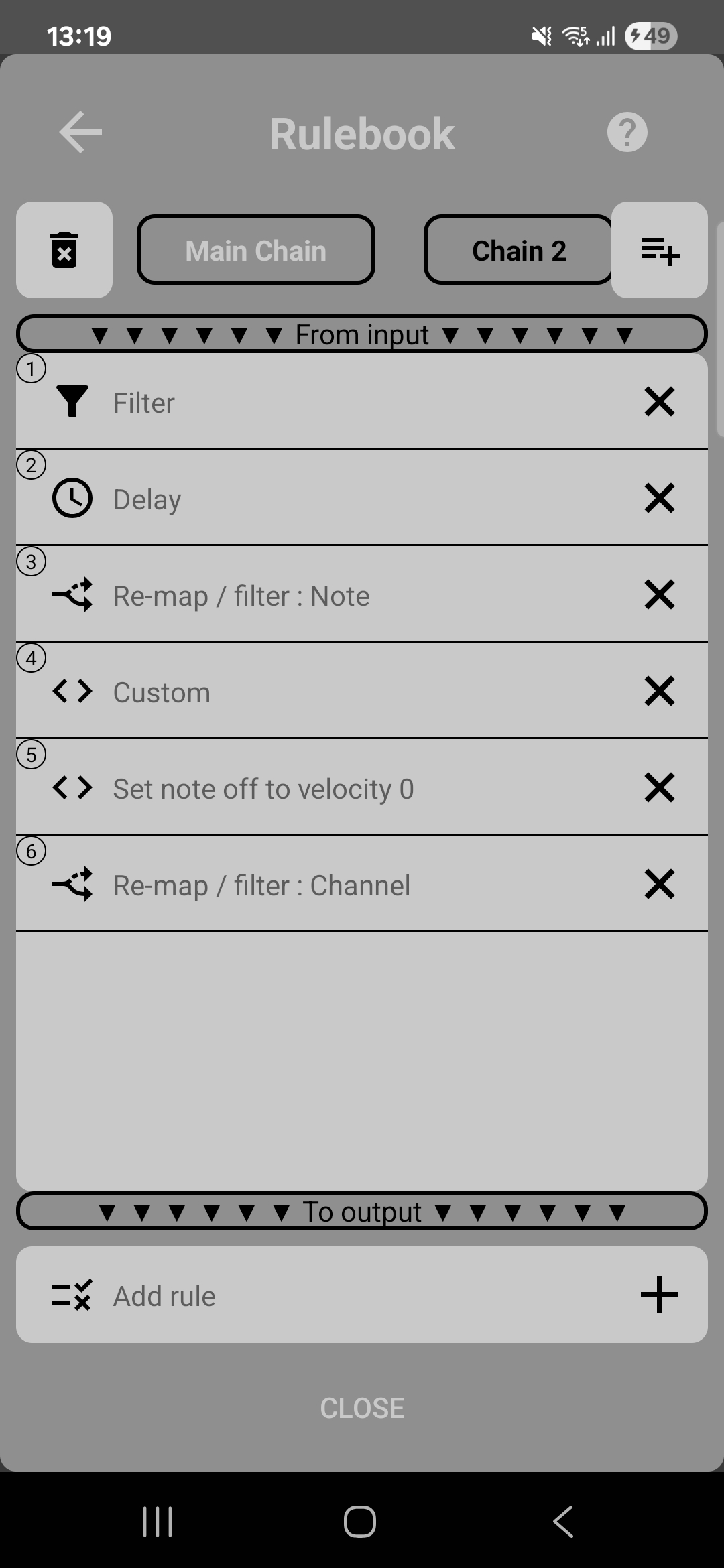
Deep dive into MIDIHub's powerful ruleset system. Learn how to filter, transform, and route MIDI messages using parallel processing chains.
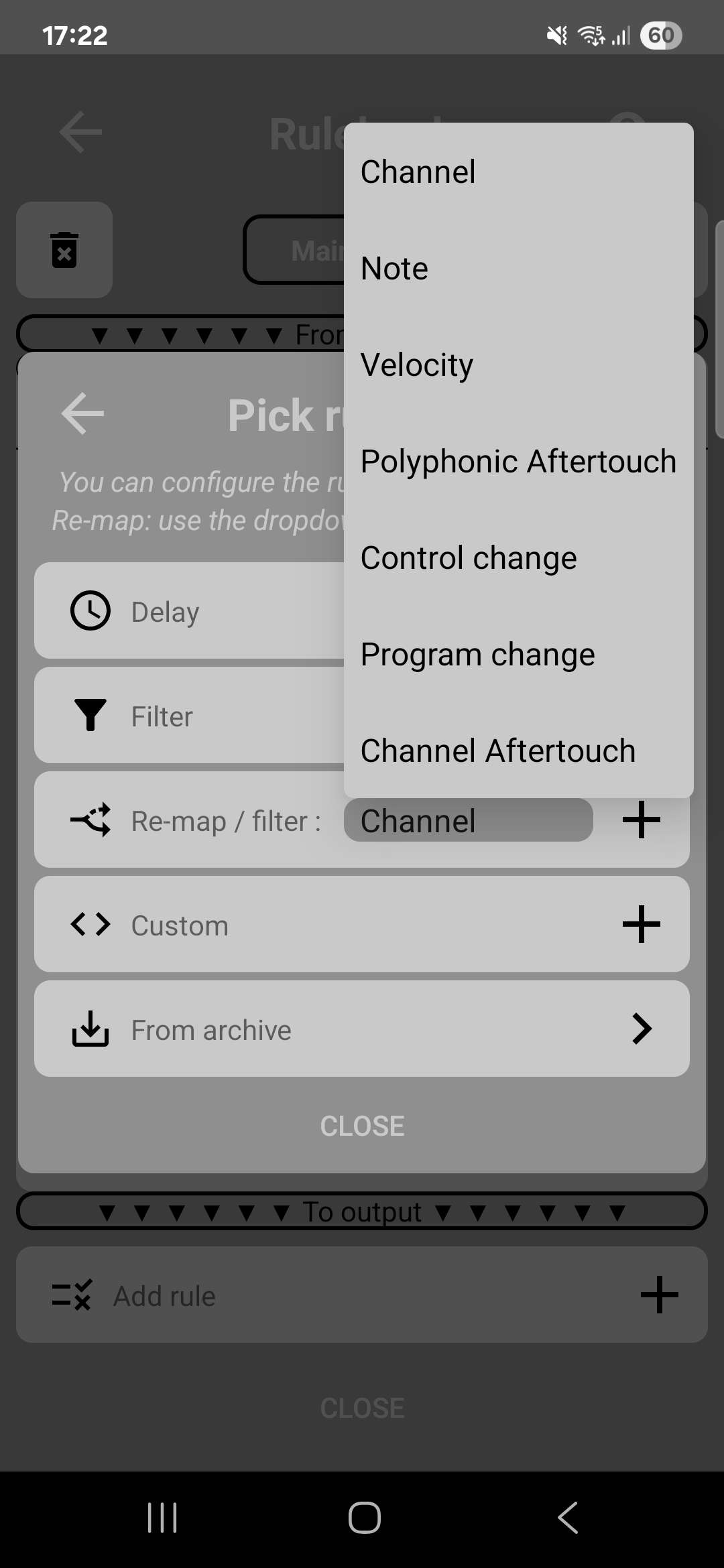
Learn about the four types of rules in MIDIHub - Delay, Filters, Remap/Filters, and Custom Rules. Master each type to build powerful MIDI transformations.
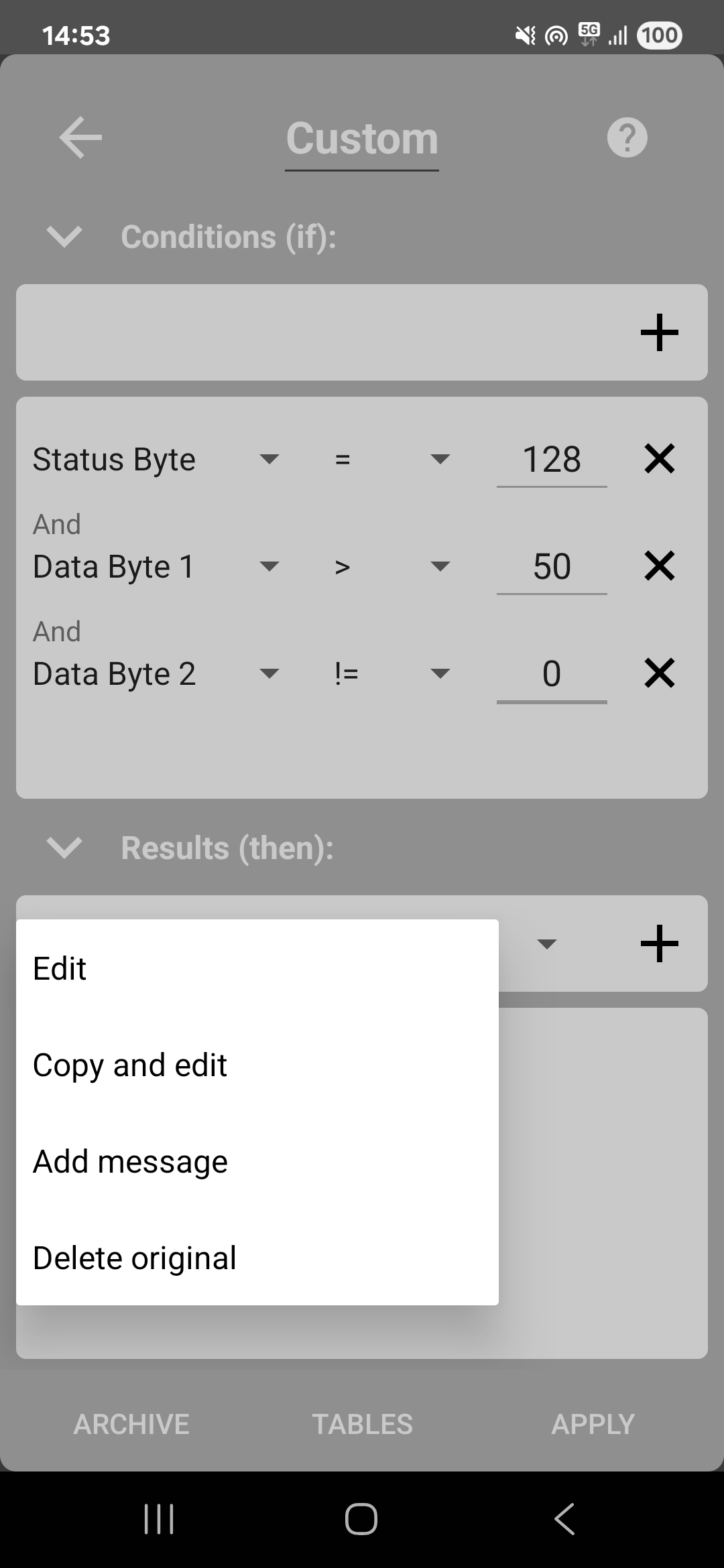
Master MIDIHub's powerful custom rules system. Learn byte-level MIDI manipulation to create complex conditions, transformations, and new messages.
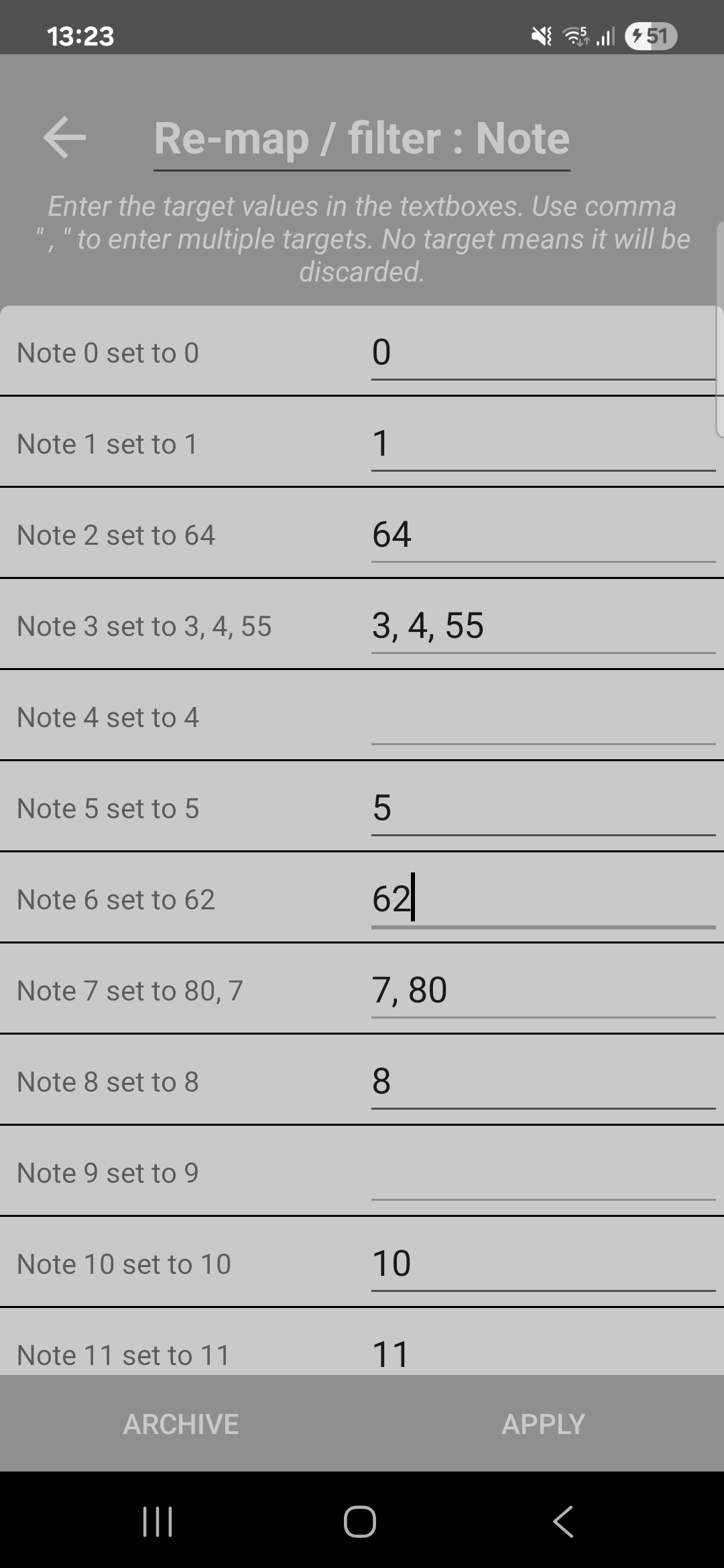
Transform, remap, transpose, and route MIDI channels, notes, velocities, and control changes using MIDIHub's powerful remap rules.
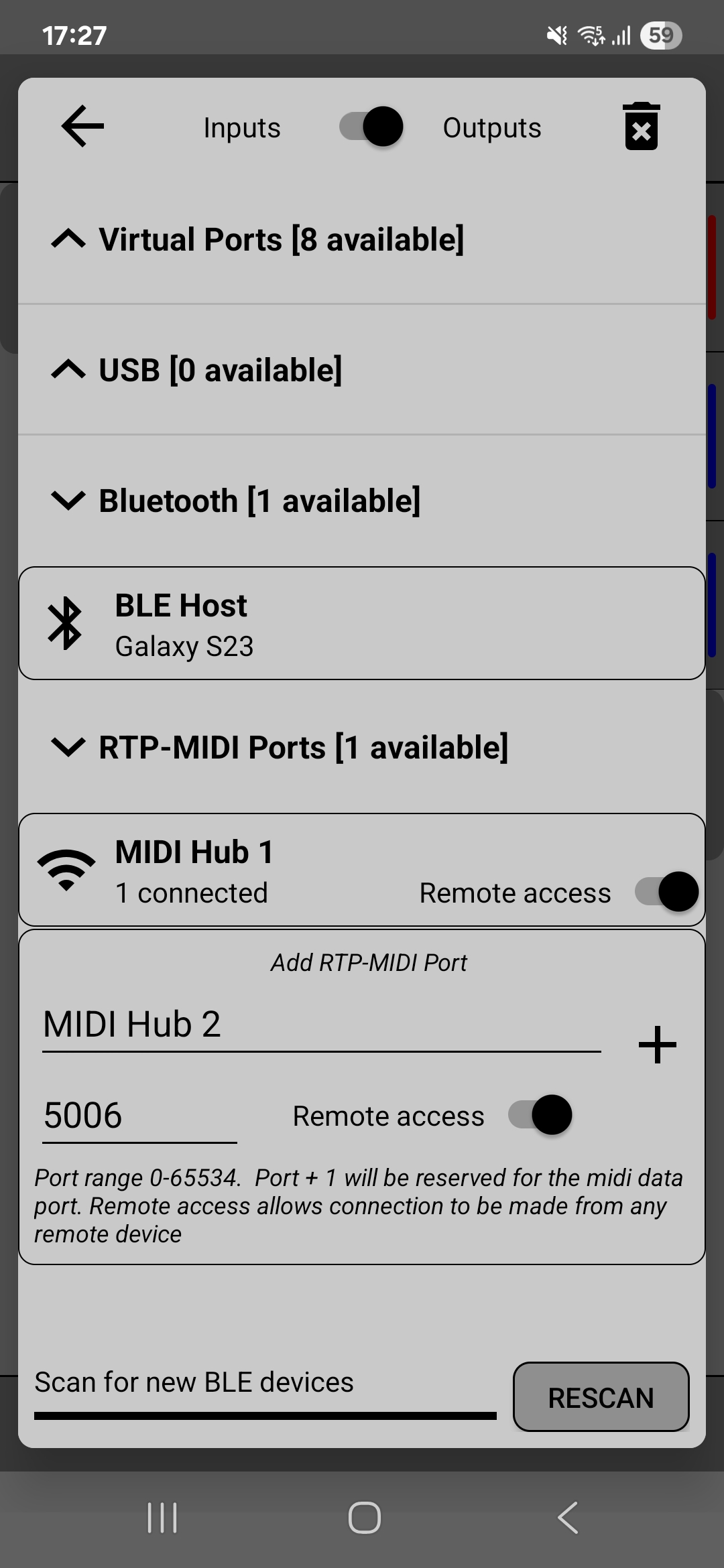
Connect your Bluetooth LE MIDI keyboards, controllers, and instruments to MIDIHub for routing to apps and other devices.
Create RTP‑MIDI sessions in MIDIHub to send and receive MIDI over your local network.
Turn your Android device into a BLE MIDI server that other devices can discover and connect to - perfect for iPad, iPhone, and computer connections.

Step-by-step guide to connecting USB MIDI keyboards and controllers to your Android device. Troubleshoot common issues and optimize your setup.
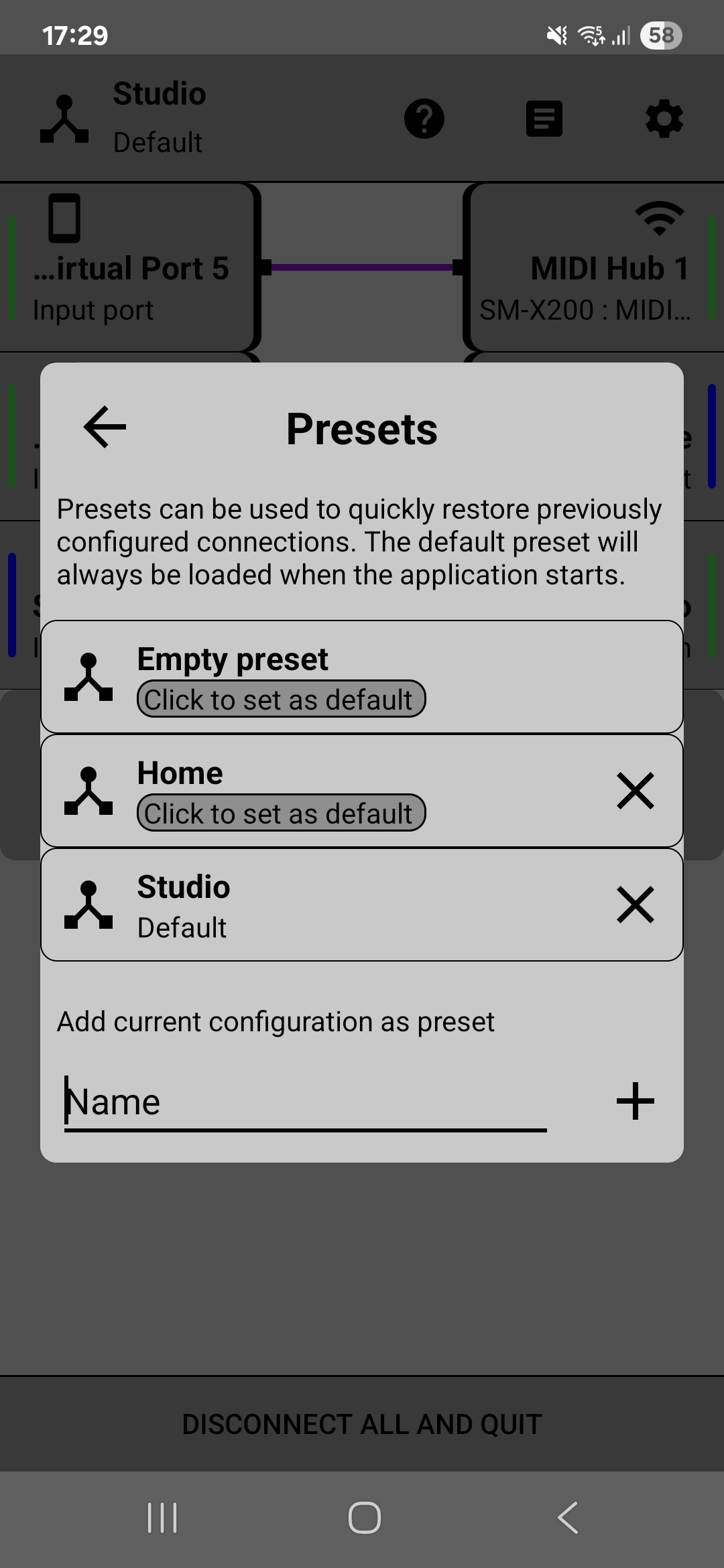
Save your MIDI routing configurations and rulesets as presets for quick recall. Learn how to create, manage, and set default presets.
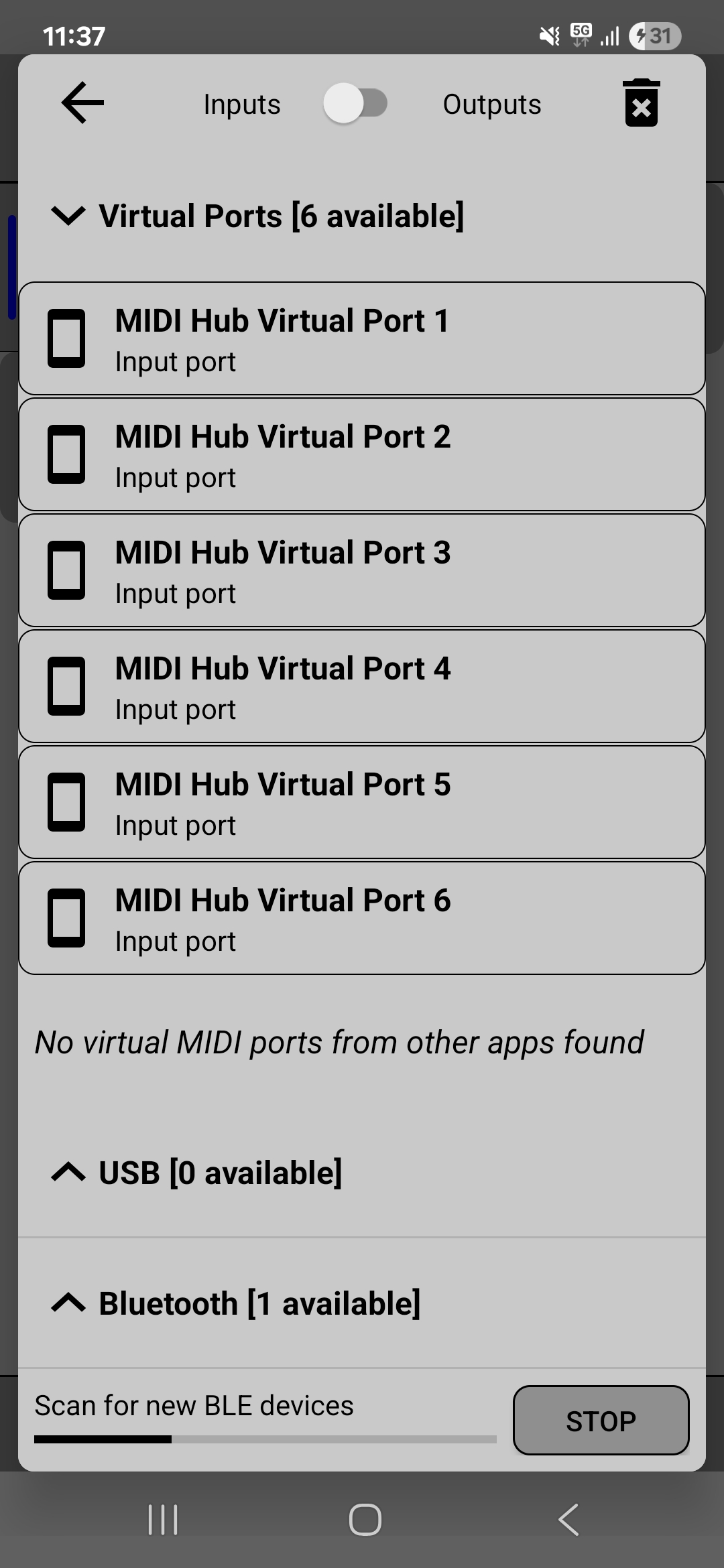
Connect Android music apps together using MIDIHub's virtual MIDI ports. Route between apps, create complex signal chains, and expand your mobile studio.